A Super Metric earns its keep when something uses it. Over the last four parts we built a small set of KPIs: memory in GB, the worst CPU ready in a cluster, the powered-on vCPU to pCore ratio, an idle VM count, a CPU status code and a host balance index. In this final part …
Category: vRealize Operations
VMware VCF Operations Super Metrics from 0 to Hero – Part 4: Hero Patterns
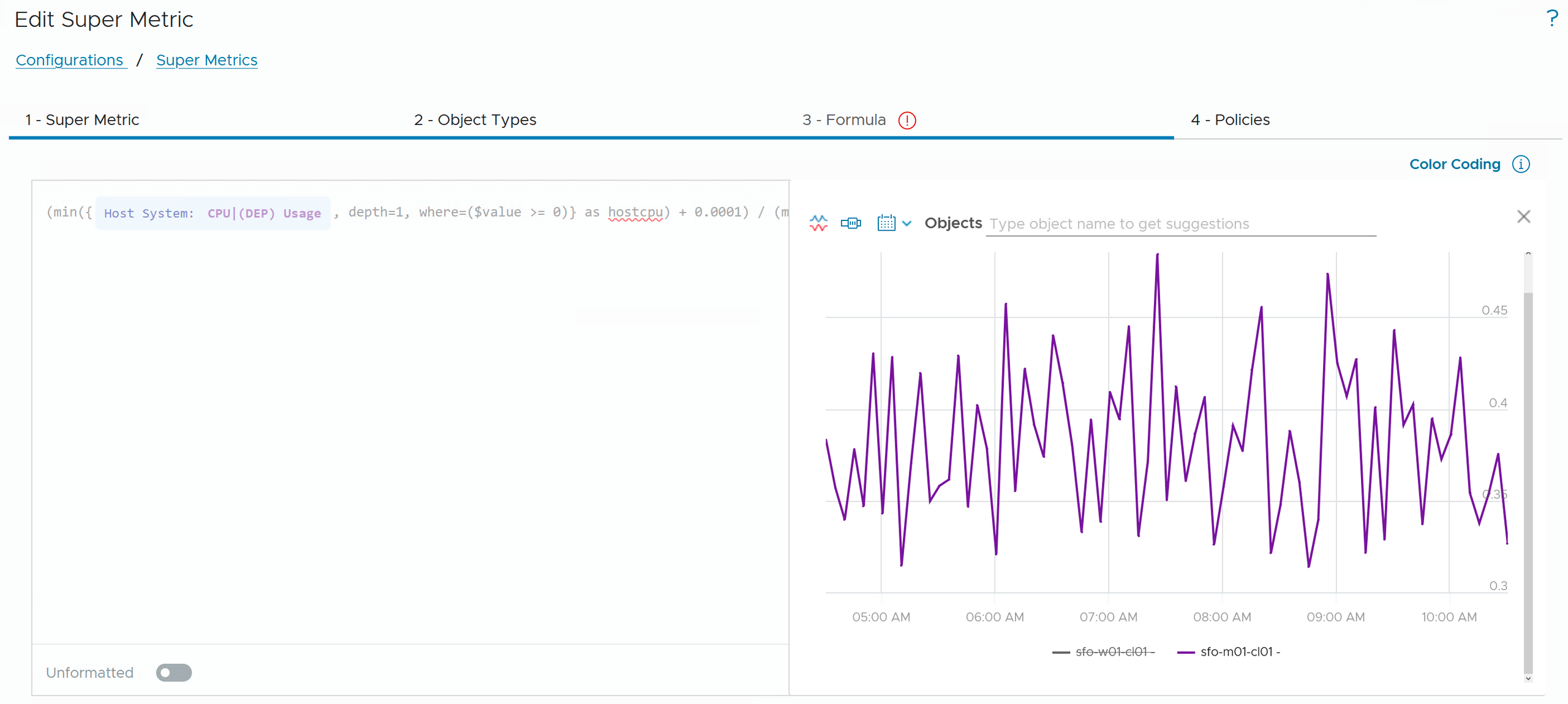
After Part 3 you can build almost any formula: single-object math, aggregation across the hierarchy, filters and status codes. But there is a difference between a formula that works in Preview and a KPI you can run in production for years, across thousands of objects, and hand over to a colleague. This part is about …
VMware VCF Operations Super Metrics from 0 to Hero – Part 3: Filtering and Logic
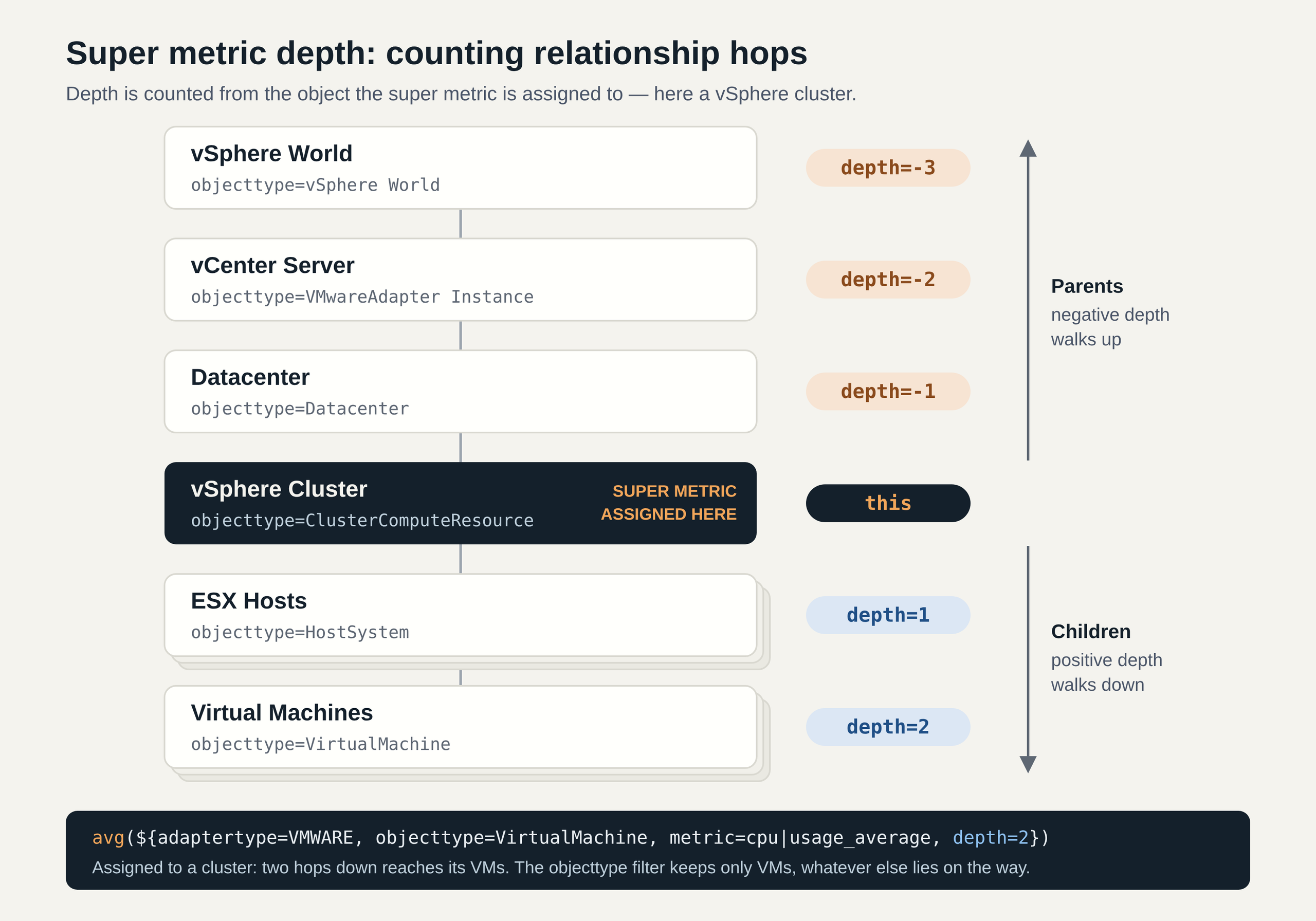
At the end of Part 2 I left you with a flawed formula. Our vCPU to pCore ratio summed the vCPUs of every VM in the cluster, including the ones that have been powered off for months. A customer looking at that number would see an overcommitment that doesn’t exist. So far, a resource entry …
VMware VCF Operations Super Metrics from 0 to Hero – Part 2: Looping Functions and Depth
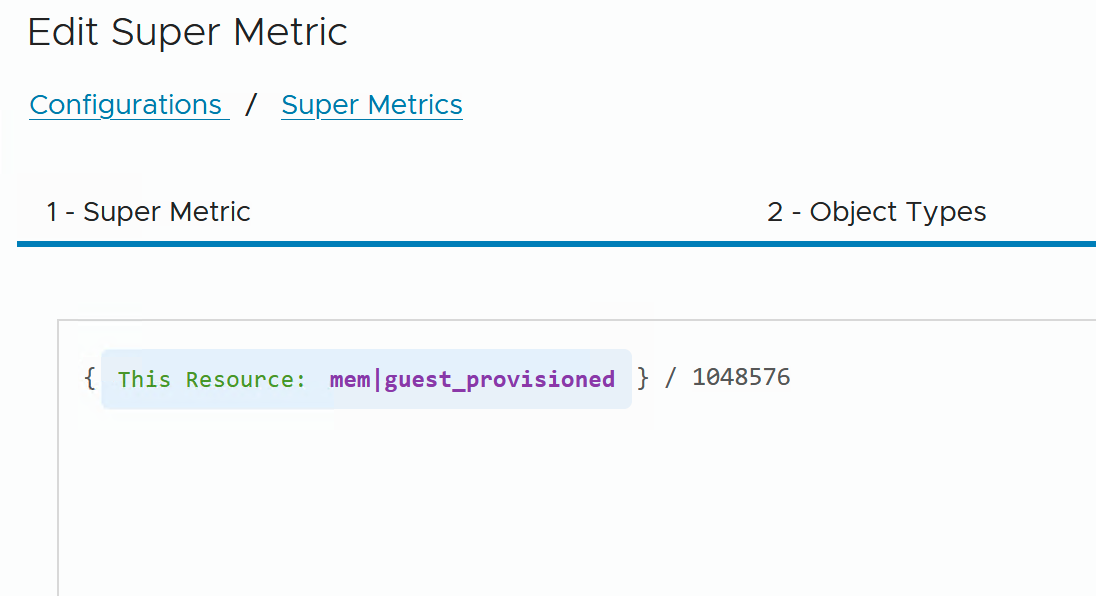
In Part 1 we took a Super Metric formula apart: resource entries, this, metric keys and depth. Every example worked on a single object. That is useful for unit conversions, but the real value of Super Metrics starts when one object asks many objects a question. VCF Operations already answers many cluster questions out of …
VMware VCF Operations Super Metrics from 0 to Hero – Part 1: Anatomy of a Formula
VMware VCF Operations collects thousands of metrics out of the box, and for most day-to-day questions they are all you need. Sooner or later, though, every environment has questions the built-in metrics weren’t designed to answer. A KPI that combines metrics from different objects or even different adapters. A value calculated for a scope that …
Reducing Alert Noise for VM Groups in VCF Operations
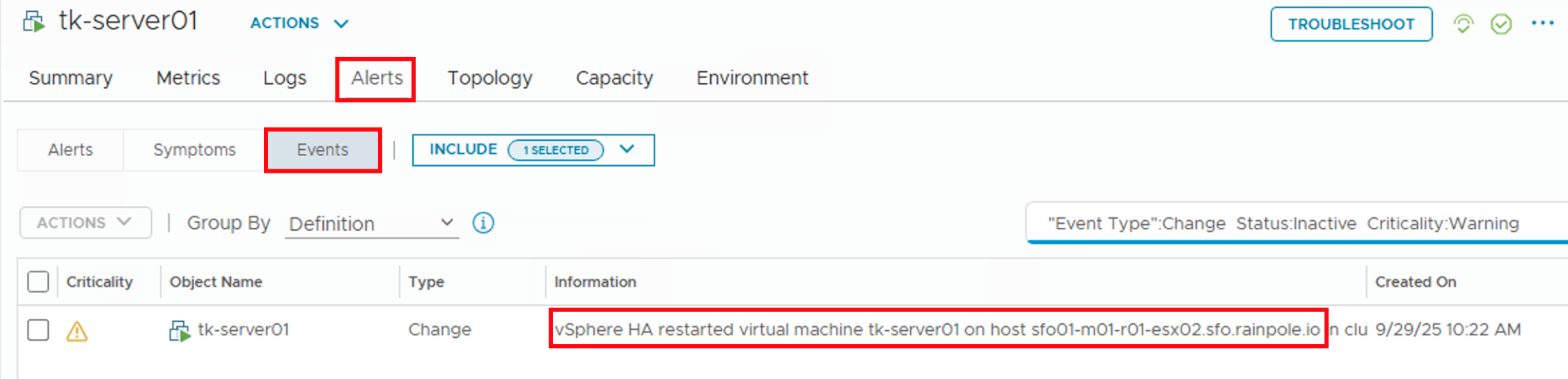
In my previous post (https://thomas-kopton.de/vblog/?p=2198), I detailed how to track HA-induced Virtual Machine restarts in VCF Operations, including the required symptoms, alert definitions, and REST Webhook notifications. However, in larger setups, with potentially over 20 VMs per ESX host, receiving 20 individual notifications is impractical. This simply creates alert fatigue and undermines the entire alerting …
Monitoring HA VM Restarts in VCF Operations
Someone recently asked me if there’s a straightforward way to notify Virtual Machine owners as soon as their VMs were affected by an HA Event. Apparently, suitable alarm definitions are not available out-of-the-box in VCF Operations, and the customer asked for a solution. Scenario The scenario is therefore quite simple: First Approach Initially, I considered …
Audit Events in VMware Aria Operations
In my previous blog post, I described how to capture and visualize both successful and, more importantly, failed login attempts in NSX environment using Aria Operations for Logs dashboards. With the release of Aria Operations 8.18, VMware has made it even easier to monitor such audit events in vSphere components directly within Aria Operations itself, thanks …
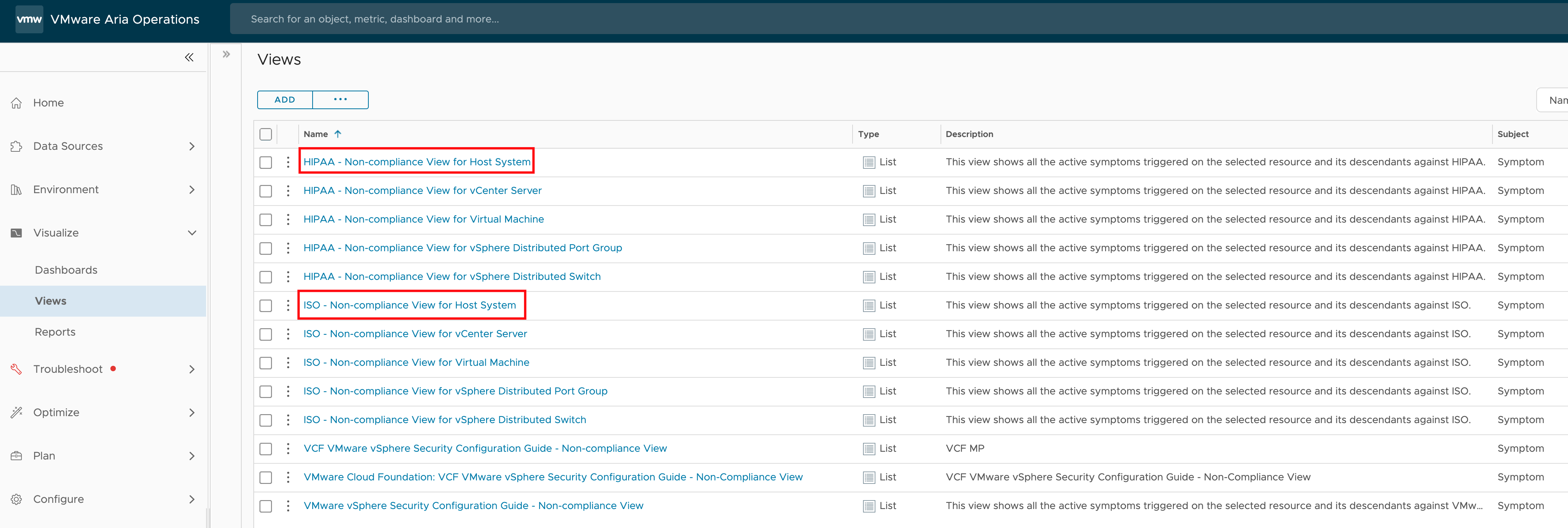
Programmatically Accessing VMware Aria Operations Compliance Check Results
Recently, I was asked if there’s a way to programmatically read the results of a compliance check for specific ESXi hosts in VMware Aria Operations. The use case here is that the customer wants to utilize these compliance results in an automated workflow. This is an interesting question that highlights the growing need for automation …
Automated Workflows using VMware Aria Operations SNMP Trap Plugin
SNMP, likely one of the oldest protocols in OSI Layer 7, is still used today in the monitoring environments and offers a very simple way, with SNMP traps, to send messages from one system to another to trigger an action. This action could involve executing an automated workflow. In this post, I describe how the …